
the Allpay app is closing: How to switch over to the new app

11 May 2026

Tenant news, Uncategorised

The allpay app and the Internet Payments portal are closing. This is not an update to the old allpay app. Instead, you will need to install the new allpayments app separately.
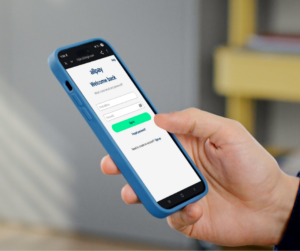
Photo of someone on their phone. The screen displays the allpayments app.

You can switch over to the new app in three simple steps:

  1. Download the app on Google Play or the App Store.
  2. Sign in with your current allpay username and password
  3. All done! Your details will transfer automatically

You can also use the allpayments web portal here. For help moving to allpayments from the old app or the Internet Payments portal, visit the allpay Customer Help Centre.


Was this page useful?
This field is for validation purposes and should be left unchanged.
What is the reason for your answer?(Required)

Your feedback about our website helps us to improve our content and the way our site works. Please do not send us any personal, contract-related, sensitive or other important information in your comment or feedback. This system is not monitored every day and we cannot reply through it.

If you would like to contact us about a complaint, or if you want to share any important information with us, please visit the contact us page.

This field is for validation purposes and should be left unchanged.
What is the reason for your answer?(Required)

Your feedback about our website helps us to improve our content and the way our site works. Please do not send us any personal, contract-related, sensitive or other important information in your comment or feedback. This system is not monitored every day and we cannot reply through it.

If you would like to contact us about a complaint, or if you want to share any important information with us, please visit the contact us page.